



Don't worry, finding your specs is easier than it sounds! The quickest way on Windows is to use the DirectX Diagnostic Tool.
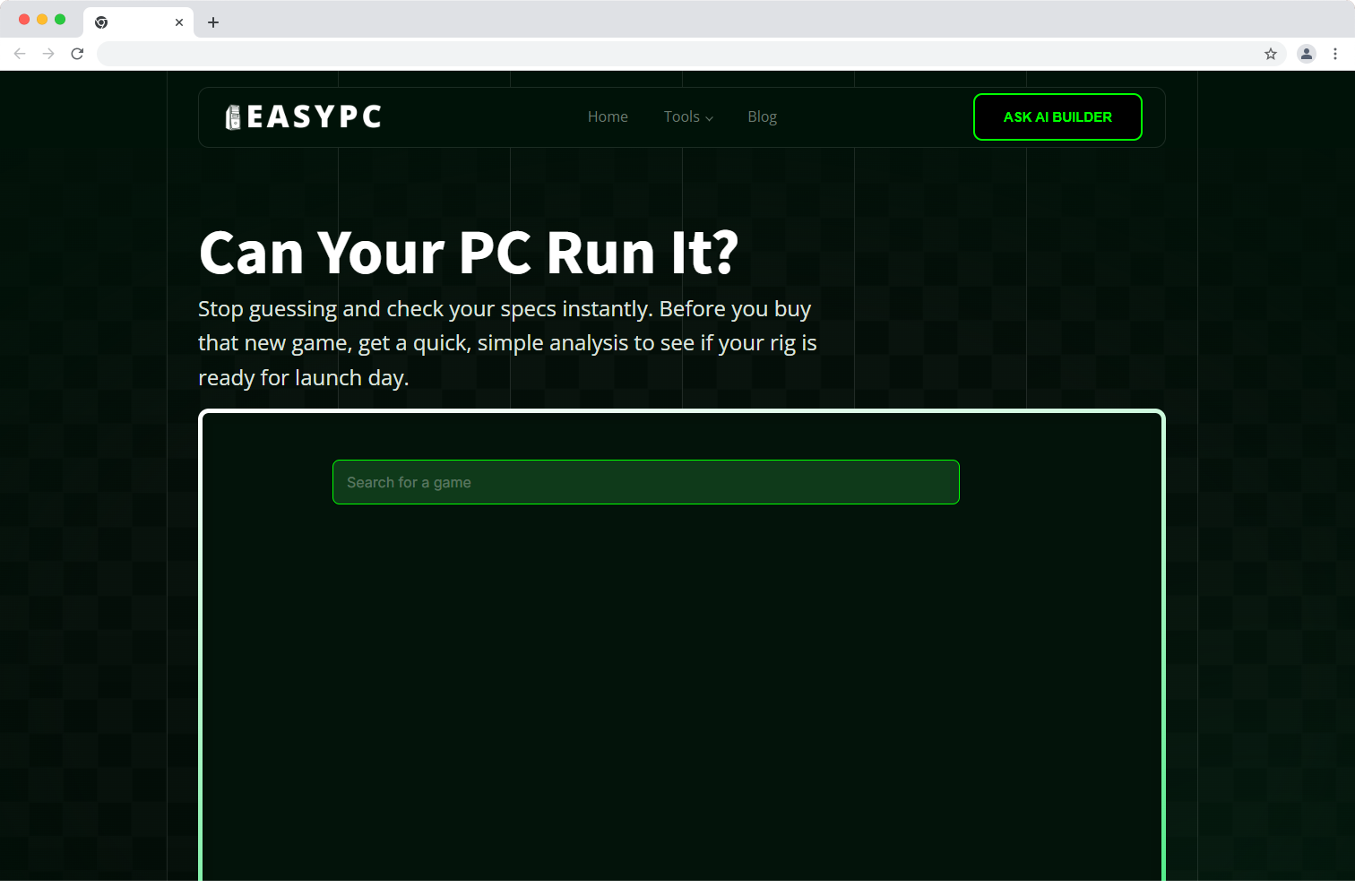
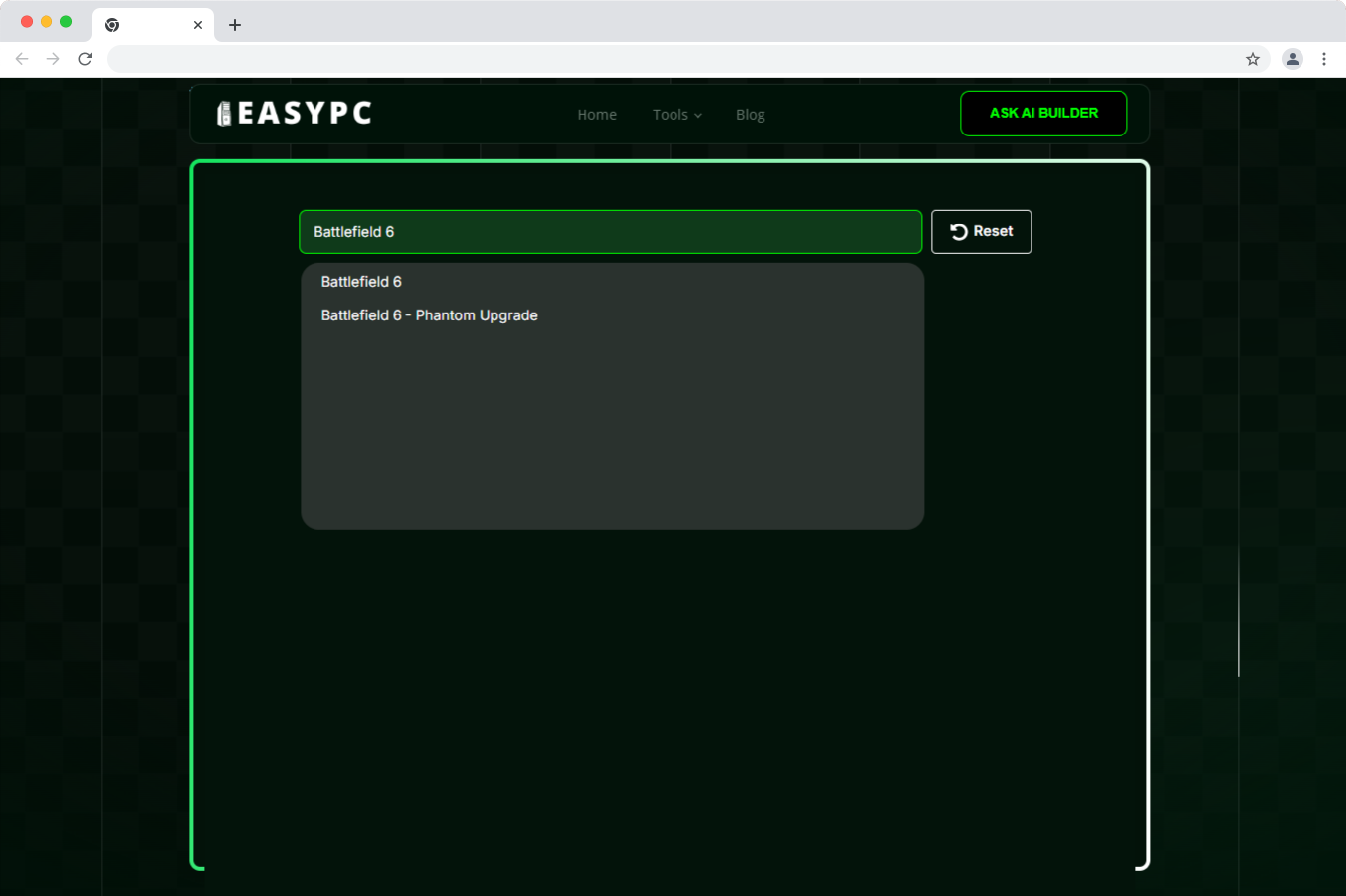
That's all the info you need to enter on our site.This is a block of text. Double-click this text to edit it.
Think of it like this:
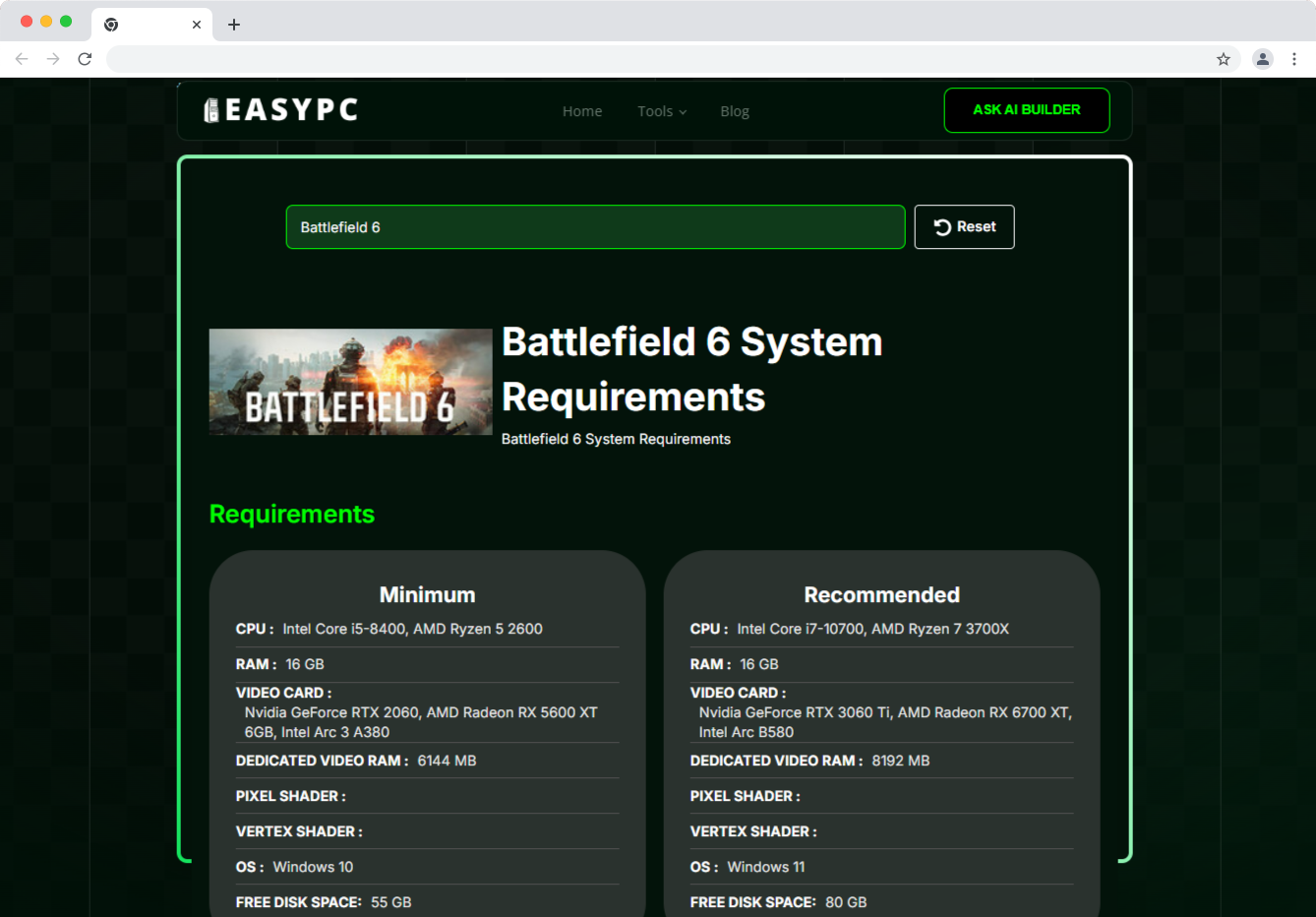
Minimum: These are the bare essentials to get the game running. You'll likely need to use low graphics settings, and you might experience slower, choppier gameplay (low FPS).
Recommended: This is the hardware the developers suggest for the game to run smoothly and look great, as intended. Meeting these specs means you can enjoy higher graphics settings and a stable, fluid gaming experience. We always suggest aiming for Recommended for the best time.